n8n-Integration
n8n Integration with Genum
Genum provides a custom n8n integration that allows prompt orchestration inside your automation workflows.
Installation
To install the Genum node in n8n:
- Navigate to
Settings → Community nodes

-
Click Install a community node
-
Enter
n8n-nodes-genumas the npm package name

- Confirm installation
The node will then be available in your workflow editor.

NPM package: n8n-nodes-genum
Authentication
Genum
Genum uses Bearer token authentication. API Keys are managed under:
Settings → Project → API Keys
These keys are scoped by project and represent access to specific prompt environments and integrations.
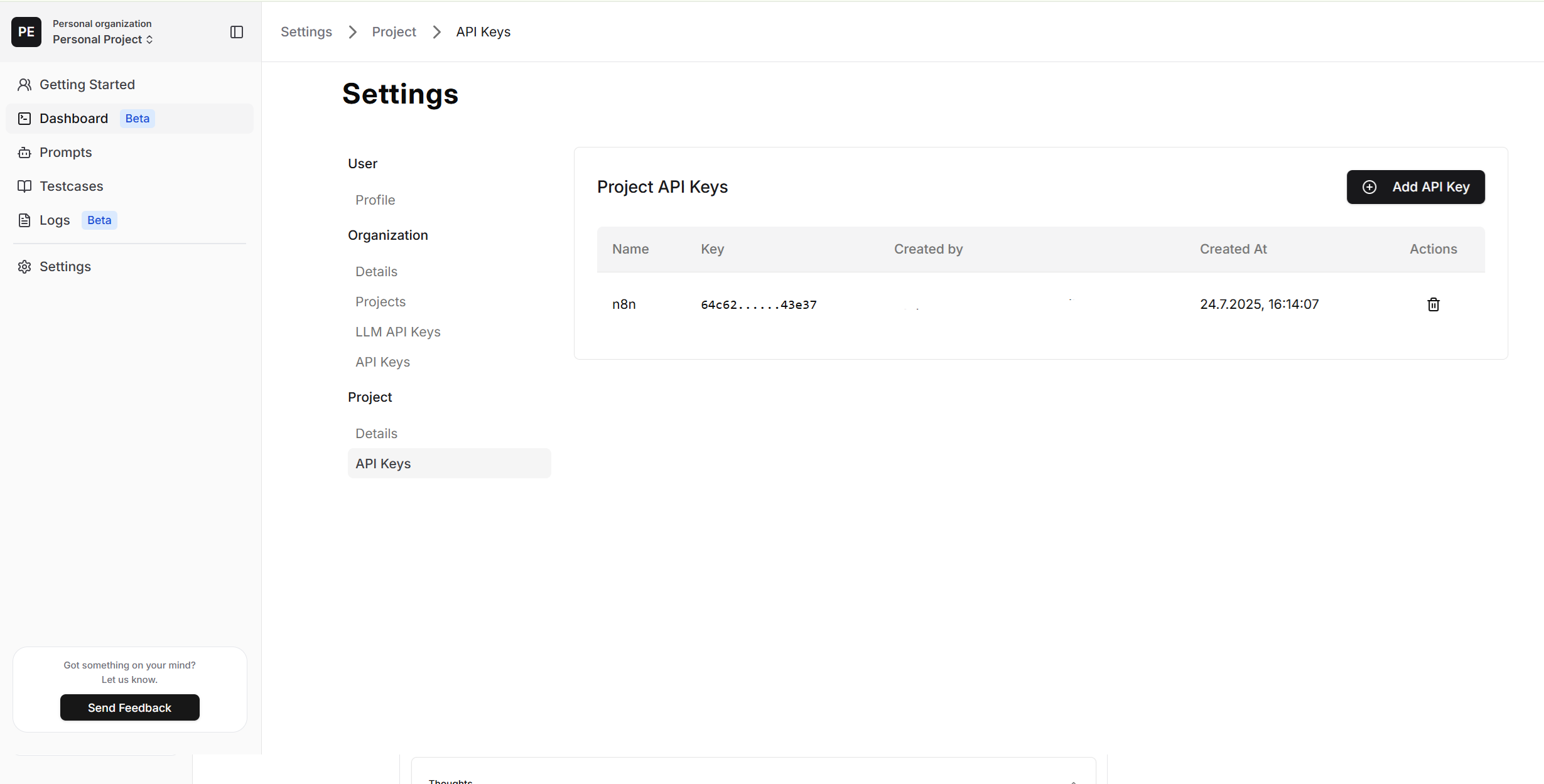
n8n
The node uses Genum project credentials configured in the Credentials section of n8n. You must supply:
- Your Genum
API Key
Available Actions
Once installed, you can use the following operations in your workflows:
- Get specific prompt – Fetch a prompt by its ID
- Run prompt – Execute a selected prompt with user input
- Custom API call – Directly invoke any Genum API endpoint
Prompt selection supports auto-complete from available project prompts. You can also provide a memoryKey, which selects a value of the prompt's memory_key placeholder. To select values of other placeholders, use Custom API call with the placeholders field of Run Prompt.

Related Resources
- 📦 Genum n8n Nodes: GitHub Repository